A primer
New to Total Annihilation?
Total Annihilation is a real-time strategy game from 1997. If you have never played it, this is what your first battle asks of you: what you start with, what everything is made of, and how to give orders. The game's tutorial teaches the same in three short lessons.
Two sides: the Arm and the Core
TA's Galactic War is fought between two sides, the Arm and the Core, each with its own units and buildings. You choose one when you create your commander in the launcher.
The Archives tell the war's story mission by mission, and put every unit on show with everything TA's own F1 page tells about it.
Your Commander
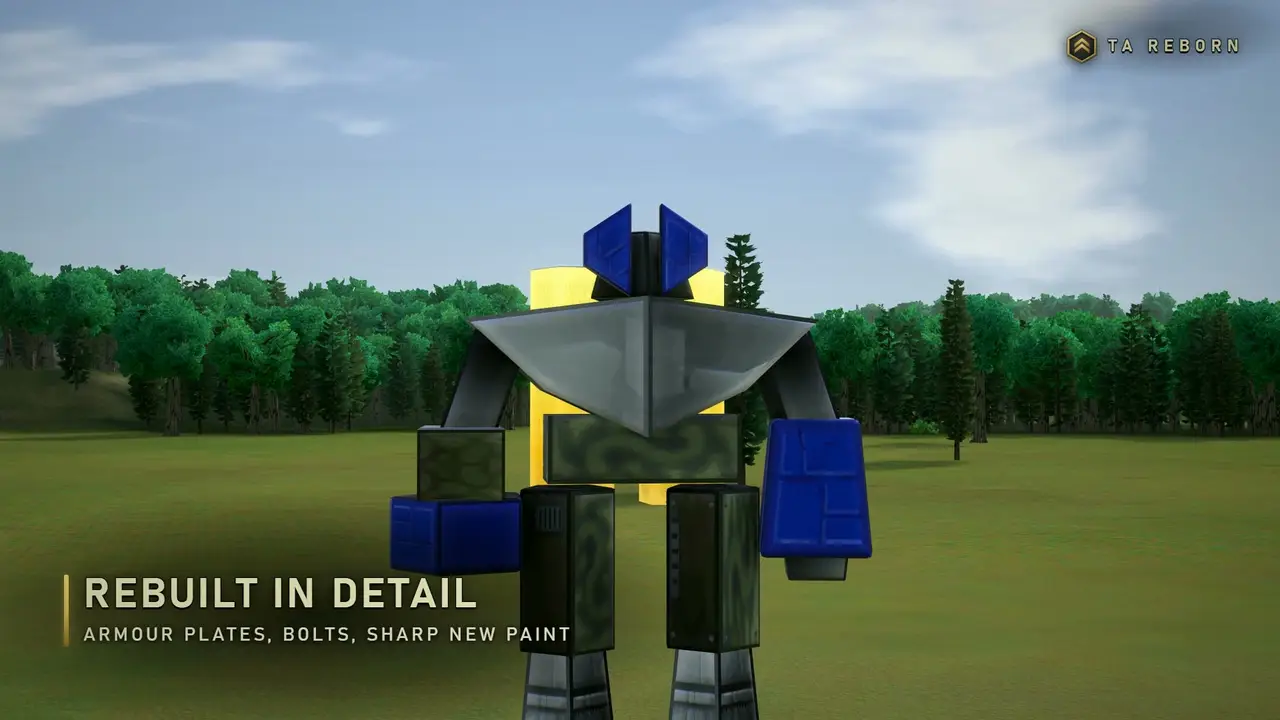
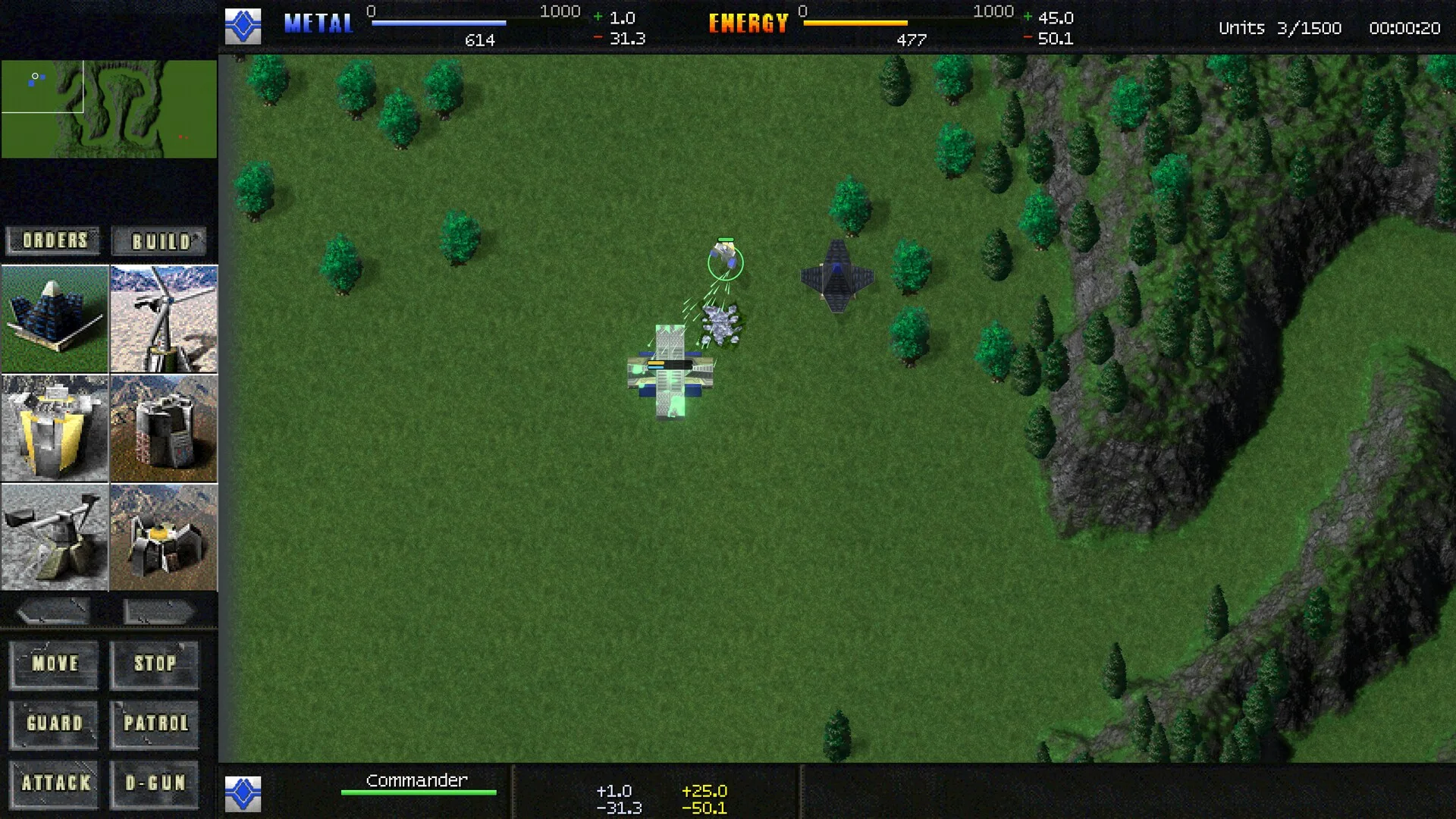
Every battle starts with a single unit: your Commander, the walking machine in the middle of the screen. It builds, it fights, and losing it usually loses the battle.
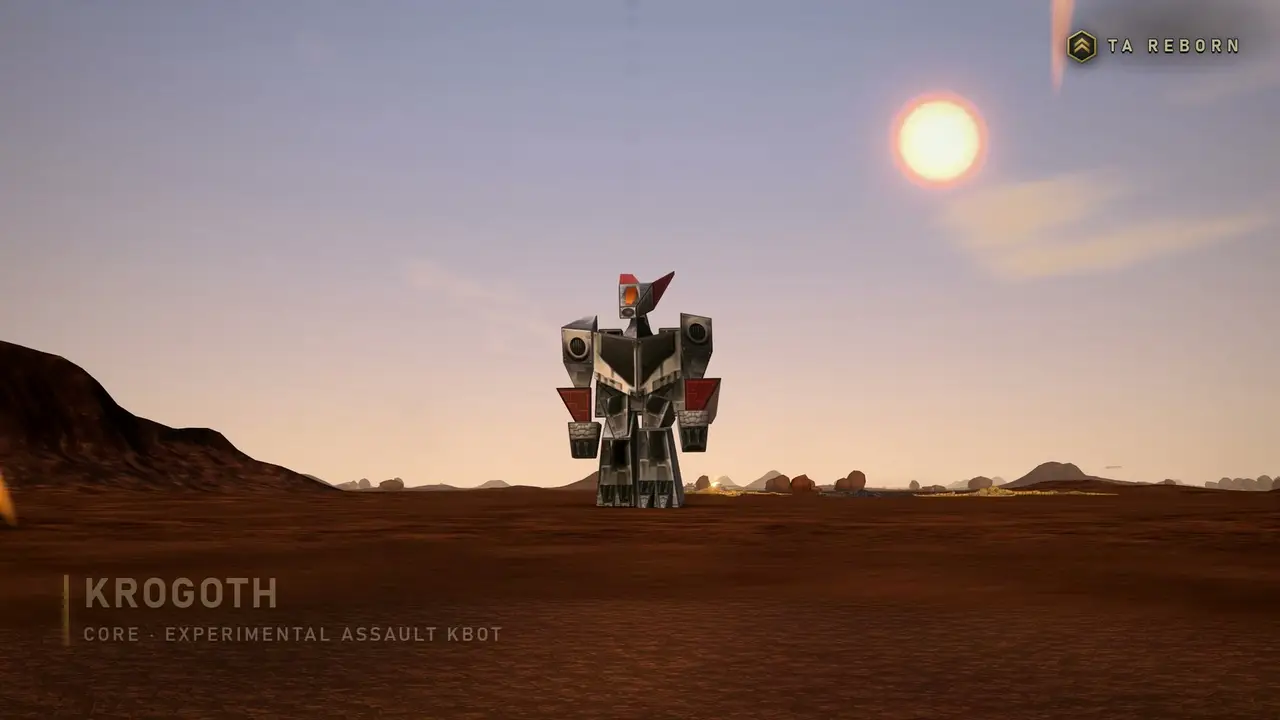
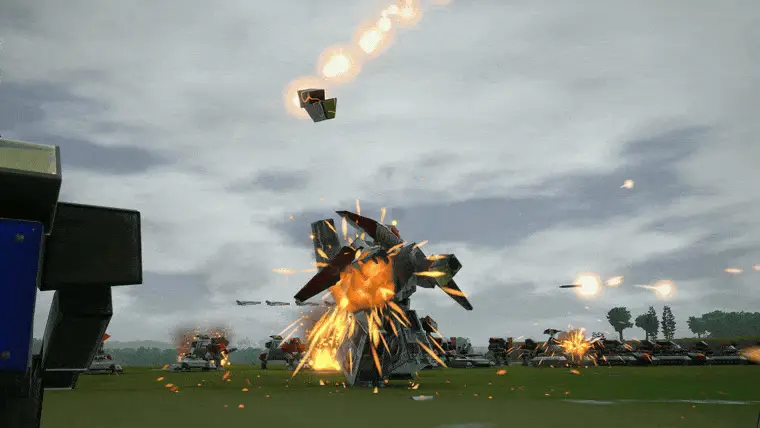
Its D-gun can bring down even a Krogoth, but at the start its work is building: a metal extractor, a solar collector, then a first factory.
Metal and energy
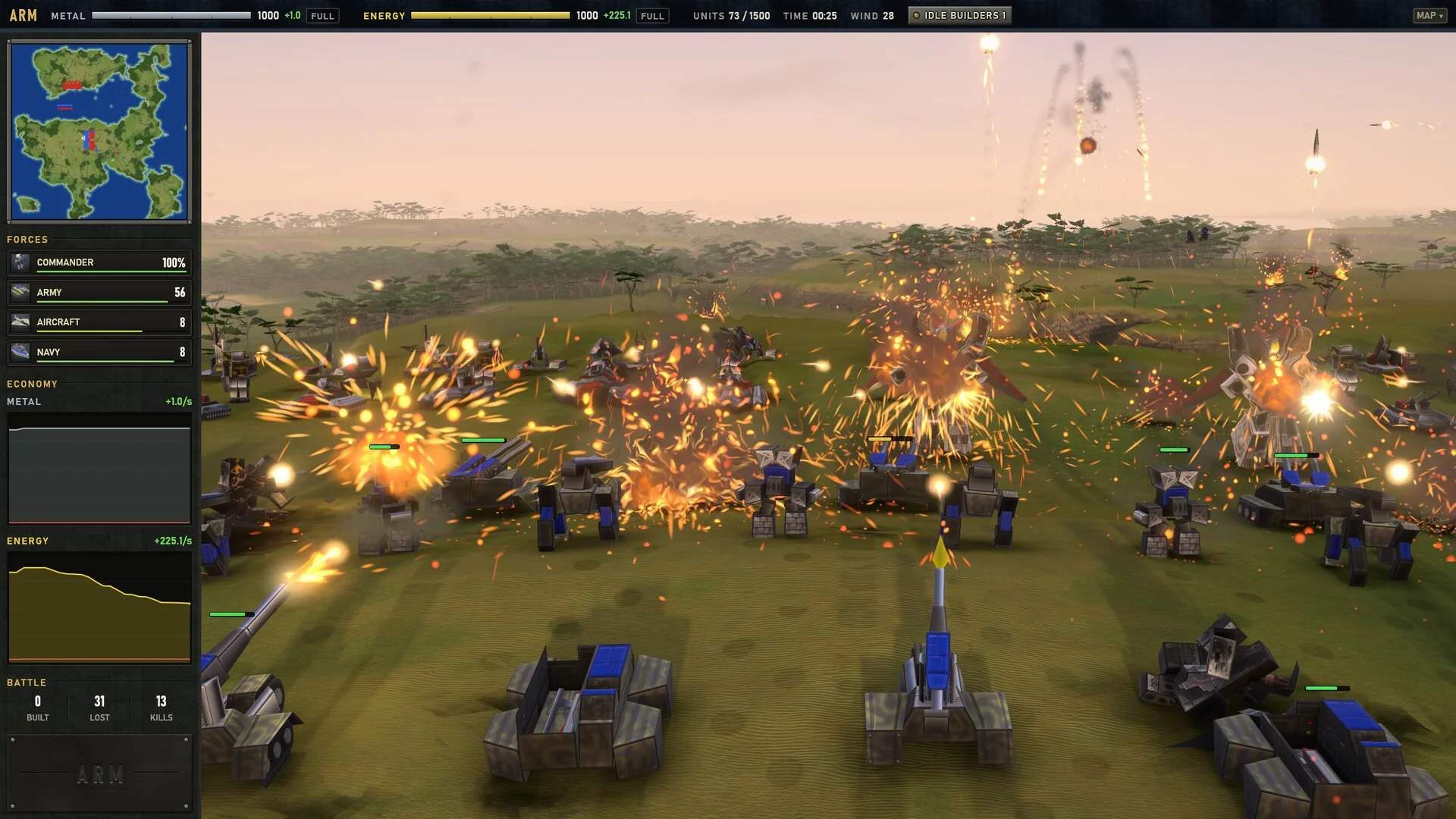
Everything is made of metal and energy. Metal comes from extractors built on metal deposits; F4shows where they are. Energy comes from solar collectors and wind generators.
Wrecks and rocks are worth metal too: builders reclaim them (E), one at a time or a whole circle at once. The bars at the top of the screen show your stores and how fast they fill or drain, and warn you when one runs dry.
That is the whole cycle: extract, generate, build, fight. Keep both incomes above what you spend, and keep your builders busy.
Factories and builders
Factories build your army. In the tutorial the first is a Kbot Lab (kbots are TA's walking robots), from the FACTORY tab of the build menu. Select a factory and click a unit to queue it, again to queue more; right-click takes one off. New units wait in front of the factory.
Builders put up everything else, the Commander first among them. Their queued buildings show in the panel on the left, where a click moves one to the front. Hold Alt while you drag out a building to fill a whole block with it, and Alt+X over a circle puts an extractor on every metal spot inside it.
Giving orders
To look around, use the arrow keys, the screen edges or a drag with the middle button; the mouse wheel zooms towards the cursor, and dragging with the right button turns the view.
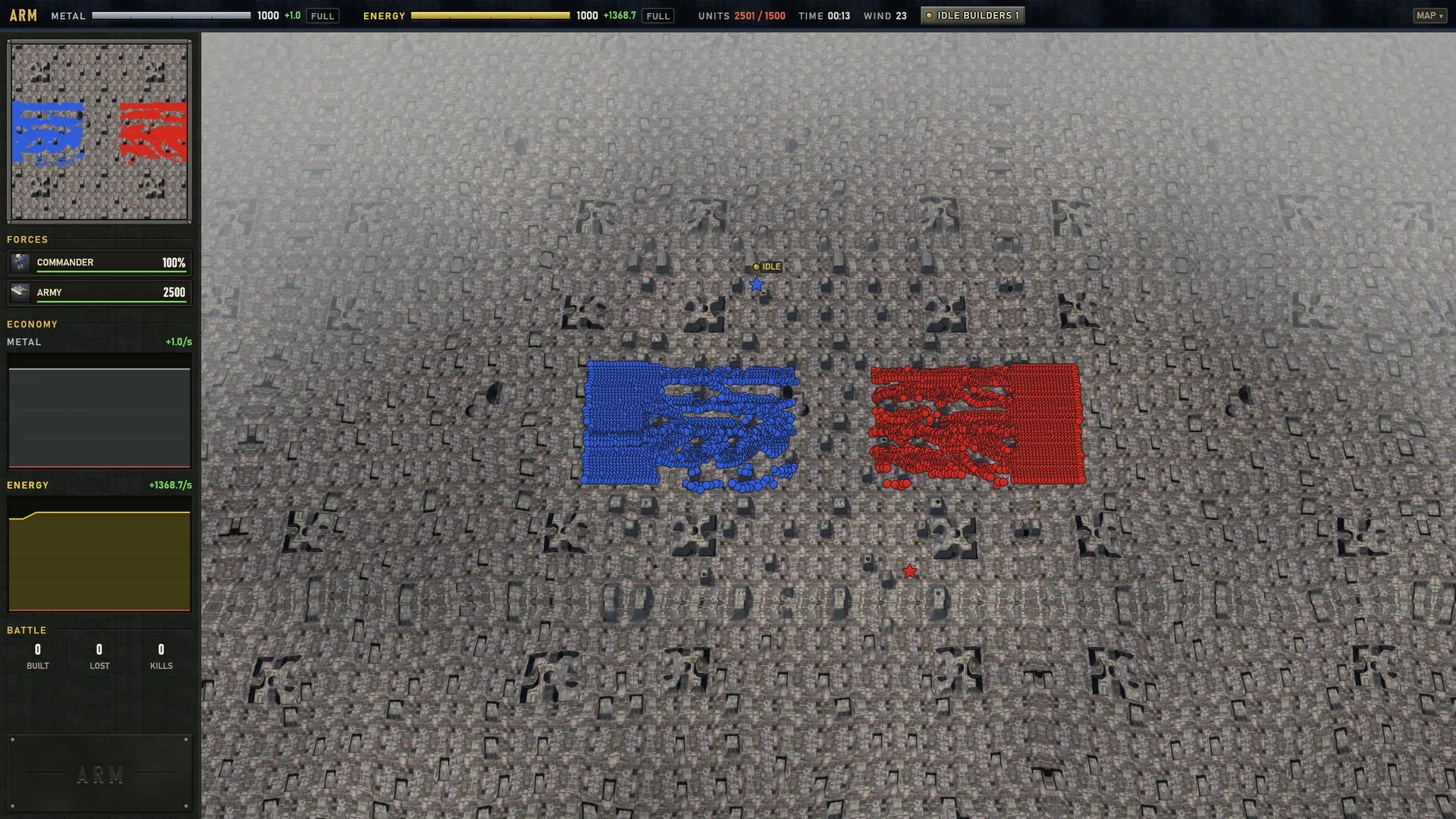
Drag a box with the left button to select units. Ctrl+1 makes them group 1;1 then selects them from anywhere, and pressing it twice brings the camera to them. Fight (Alt+F) is attack-move: units head for the spot you click and take on whatever they meet on the way. Ctrl+click fires on a spot.
F4 shows the metal map, Alt+L sight and radar, andAlt+F2 where the selected units can go; the same key hides each again. With a unit selected, F1 shows everything TA told about it; with none, every key. Every key can be changed.
Your first battles
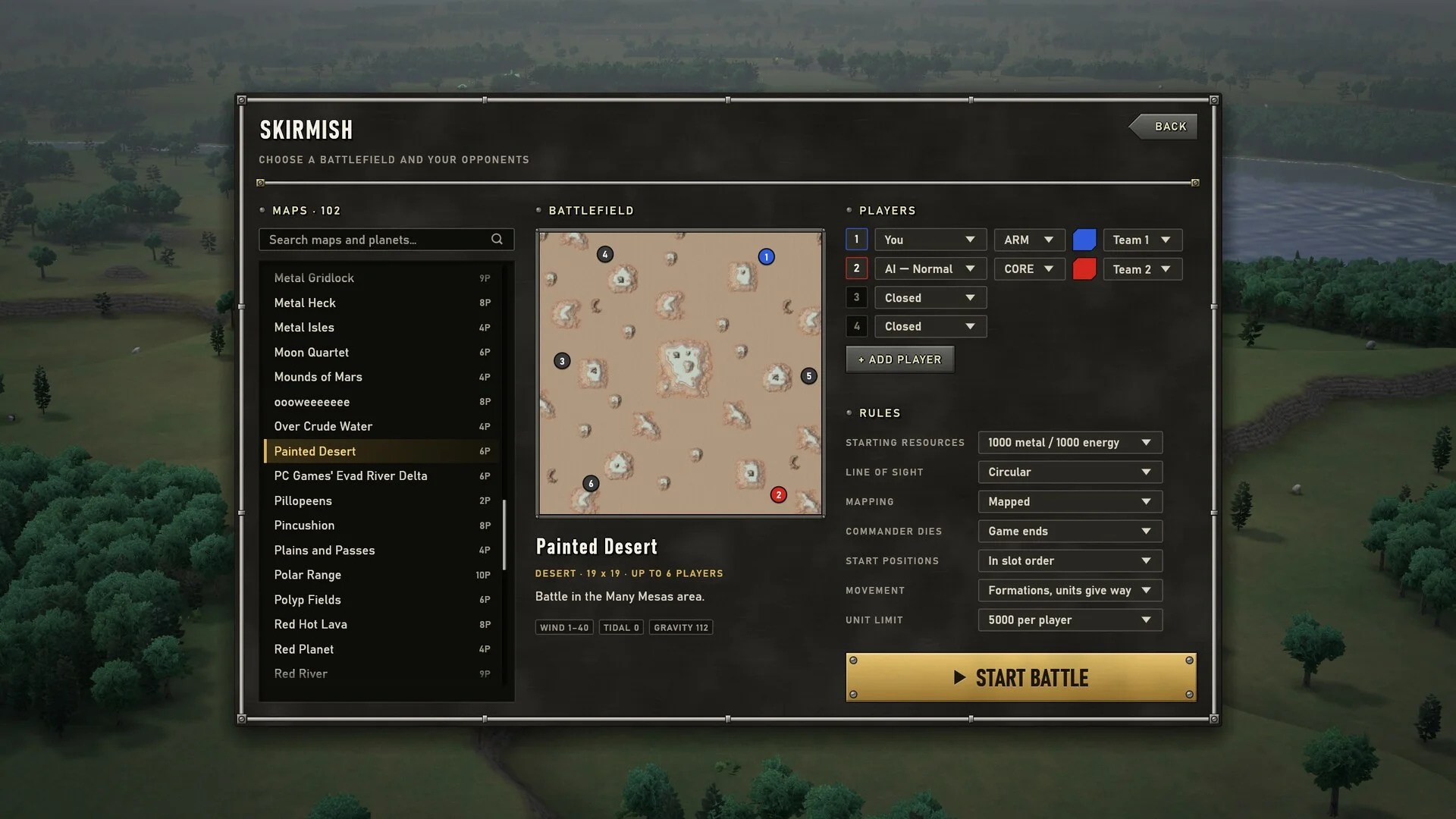
Start with the tutorial: three short guided games on Painted Desert, against an enemy that stays out of your way. A panel at the top left lists the steps, and each ticks off as you do it.
Then play a skirmish against an Easy computer player, then Normal; computer players come at three levels. After that, the campaigns of your install (Arm and Core, The Core Contingency's and Battle Tactics') follow TA's own mission scripts, and Conquest takes a galaxy of TA's worlds system by system.
The Basics
Your Commander, the camera, metal, energy and a first factory.
First Blood
Select and group an army, attack-move, and destroy an enemy outpost.
Orders like a Veteran
Map views, area orders, building blocks and build queues.
Veterans can have it as it was: TA's own top-down view and interface, and the movement rule "As in TA". Or take the modern camera and interface, with armies that march in formation. Either way, every one of TA's controls works.
The keys you need first
TA Reborn's defaults, for the orders a first battle needs. Every key can be changed.
- Ctrl+1
- Make the selected units group 1; 1 selects them again, twice brings the camera to them
- M
- Move
- A
- Attack
- Alt+F
- Fight: attack-move, taking on whatever the units meet on the way
- Ctrl+click
- Fire on a spot
- P
- Patrol
- G
- Guard
- S
- Stop
- R
- Repair
- E
- Reclaim: click a wreck, rock or tree, or drag for an area
- Alt+X
- Extractors on every metal spot in an area
- Alt+drag
- Fill a block with the building you are placing
- F4
- Map: metal
- Alt+L
- Map: sight and radar
- Alt+F2
- Map: where the selected units can go
- F1
- Information on the selected unit; with none, every key
Ready, Commander?
You need your copy of Total Annihilation and TA Reborn. The tutorial shows you the rest.